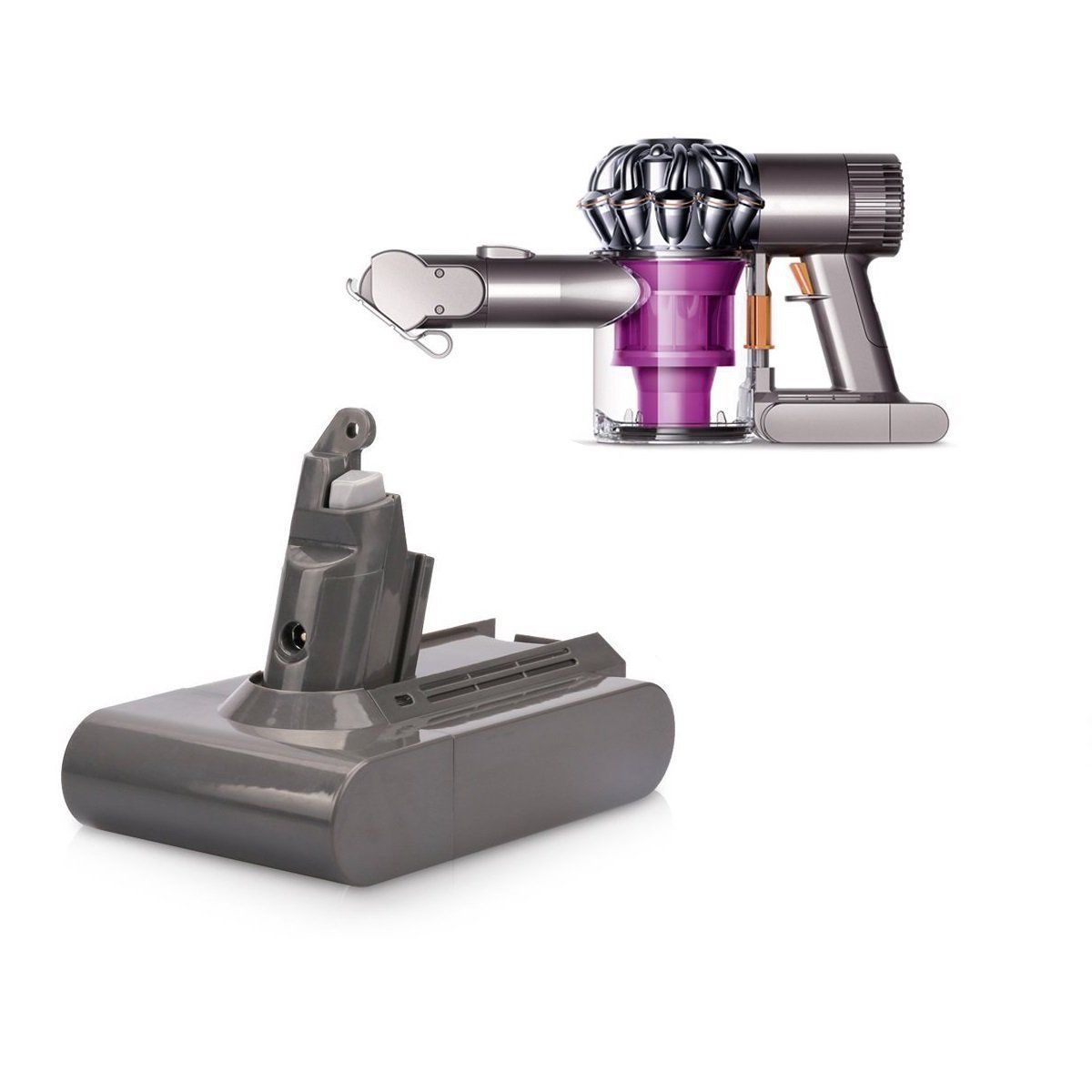
Dyson V6 replacement battery — the stick in the same house
AU $60.99AU $46.79
In Stock (delivery 3–7 days)
Open the V6 packFree Australia Post shipping on every Dyson vacuum battery · Sydney warehouse dispatch within 24 hours · 1 year warranty + 30 day money back
Updated October 2026
We are a cordless-vacuum battery house first, and the Samsung Navibot VCR8855 pack is one of the robot vacuum batteries we list alongside the Dyson range. The reason a robot page sits in this section is that the rules are identical: a robot vacuum is a lithium pack, two motors and a charging dock, and the habits that age a Navibot battery are the same ones that age a Dyson — heat, deep discharge, mechanical overload and a charging contact that is not actually making contact. Everything below is the general lithium and robot practice we apply to every pack we sell; where a Navibot-specific figure would be needed, it is flagged rather than invented.
The Navibot listing lives on our main store at aussiebatt.com/samsung-navibot-vcr8855-battery.html. This guide does not publish a price or a chemistry for that pack, because those numbers belong on the listing.
AussieBatt is an Australian owned and operated battery distributor: laptop, power tool and vacuum replacement batteries, wholesale and retail, shipped from our Granville, Sydney warehouse. Most of what we sell is compatible packs for cordless stick vacuums, and that is what this section of the site covers — but the same buyer often has a robot vacuum in the hallway with a pack that is five years old, and the questions are the same questions.
A Navibot-type robot has one advantage over a stick vacuum and one serious disadvantage. The advantage: it spends its life on a dock, so shallow top-ups replace the deep-discharge abuse that kills stick packs. The disadvantage: it is mechanically loaded every run. A side brush wound with hair or a wheel that cannot turn makes the drive motors draw more current for the same floor, and the pack carries that load in heat. Optimise the robot and you are usually optimising the pack.
On a robot vacuum, most "battery faults" are dock faults or mechanical faults. Clean the contacts, free the brushes and wheels, and re-test before you write the pack off — then judge what is left against the pack's own history.
Lithium cells age on two clocks: cycles consumed and calendar time. Heat and depth of discharge make both clocks run faster. These are the habits that matter on a robot that lives on a dock.
Frequent shallow returns to the dock are gentler than run-to-empty cycles. Do not "save cycles" by letting the robot flatten itself before docking — depth of discharge costs more than plug-ins do.
A robot parked off-dock for weeks drifts into trouble: self-discharge can take a pack below the voltage a charger will safely recover. If the robot is idle, it should be on a working dock, not in a cupboard.
A dock on a sunlit wall, in a hot laundry, or behind an appliance that dumps heat will cook the pack while it charges. Our own listings put sensible storage at 15–25 °C, and charging is the temperature-sensitive half of the relationship.
Longer runs over thick carpet and under low furniture mean more current per square metre. Restrict the run with the robot's own boundary tools, and the pack sees a shorter, easier duty cycle every day.
A brand new pack arrives at a partial state of charge for transport reasons. Dock the robot and let it charge uninterrupted before the first run, then let the robot do its normal automatic recharging from there. Modern lithium packs do not need the long "conditioning" charge that older nickel-metal-hydride robot batteries did, so there is no benefit to leaving a new lithium pack on the dock for days.
A robot that reports "cannot find dock", charges in fits and starts, or runs short despite a young pack is usually charging through dirty pads. Do this every month; it takes two minutes and no parts.
Before you touch anything with a cloth. Then wipe the metal charging pads on the underside of the robot and the spring-loaded contact plates on the dock with a dry, lint-free cloth. Built-up dust and a faint green film on the pads are the usual suspects.
The dock plates should spring back under light finger pressure. A stuck or bent plate makes intermittent contact that looks identical to a tired battery.
Firm level floor, against a wall, with the clearance the manual asks for on each side, and not on a rug the robot can ride up onto. A dock on an uneven surface lets the robot settle at an angle and charge on one pad.
A different wall socket, and no extension lead sharing current with a heater. Confirm the dock indicator behaves as it does when charging is known to be healthy.
Bumper, cliff and window sensors take a wipe with a dry cloth. A robot that cannot navigate efficiently runs longer for the same floor, which is a battery cost as well as a cleaning one.
This is the single most Australian thing on this page: long hair, pet coat and beach sand grit. When a rotating part is fighting an obstruction, its motor draws more current to do the same work, and the pack supplies it — hotter, longer, and for fewer square metres of clean floor per charge.
| Part | What to look for | Why it costs the pack | Service |
|---|---|---|---|
| Main brush / roller | Hair wound tight at both ends, bristles bent, brush that will not turn by hand | The brush motor stalls against the load and pulls current for the whole run | Weekly: cut through the wound hair, lift and rinse if the manual allows, dry fully |
| Side brush | Curled or snapped bristles, thread wrapped in the hub | An unbalanced brush makes the robot wander and run longer paths | Weekly: pull the thread out, replace a curled brush |
| Drive wheels | Hair around the axle, a wheel that does not spring down, grit in the tread | Slipping and dragging are the highest-current events a robot sees | Monthly: spin each wheel by hand, wipe the axle free |
| Wheel and sensor housing | Compacted dust in the well, blocked air intake | Reduced suction plus a struggling drive equals a longer run and a hotter pack | Monthly: empty, tap free, wipe |
| Airway and filter | Packed filter, bin that will not seal | A restricted machine works harder for a worse result — the same trap as on a cordless stick | Per the manual: wash, dry fully, refit |
| Floor before the run | Cables, socks, pet toys, tasselled mats | Every pickup attempt and every stuck-reverse cycle is current the pack pays for | Pre-run tidy; boundary strips where needed |
A jam you can feel is a stall the motors have to fight, and a lithium pack under a stalled load is how people end up with a hot pack and a dead protection board. Stop the run, free the obstruction, and if the pack has come out hot and smelling acrid, treat it as a do-not-charge item and take it to an Australian household-battery recycler.
The rule we print on our own vacuum battery listings applies to any lithium pack, including a robot's: store at roughly 40–50 % charge in a 15–25 °C, dry place. Fully charged and hot is the worst combination for calendar ageing; flat and forgotten is the worst combination for recoverability.
In practice that means: if the robot will sit for a fortnight or more, dock it on a socket that is switched off at the wall rather than leaving it topping up to 100 % daily, and check it every two to three weeks with a short run and a recharge so the cells are exercised and the gauge stays honest. If you store the pack separately, keep it out of a hot car, out of direct sun and away from anything that could puncture the case. Do not freezer-store it — condensation does more damage than the heat you are trying to escape.
Robot packs are also a dust trap in storage: a pack sitting in a cupboard with corroded or gritty contact pads will refuse to charge cleanly when you come back to it, and that is a ten-second clean, not a new battery.
The same eight-sign checklist we use on cordless Dysons maps onto a robot almost line for line, with two extra robot-specific ones. Check the free items first — after this list only the swap test and a new pack are left.
| Symptom | Most likely cause | Free check first |
|---|---|---|
| Cuts the clean short and returns to dock early | Capacity loss in the pack | Compare run length against its own history with a clean filter and clear brushes |
| Reaches the dock but never starts charging | Contact pads, dock plates or dock power | Clean both sets of pads, check the socket and the dock indicator |
| Charges, then dies within minutes off the dock | Aged cells that sag under load | Full uninterrupted charge, then one short supervised run |
| Will not hold a charge overnight on the dock | Faulty charge path — dock, pack board or cells | Different socket, known-good dock, inspect pads |
| Runs sluggishly and the pack is warm | Mechanical overload, not the pack | Free the brush and wheel obstructions, then re-test |
| Fault light pattern you cannot explain | Could be either subsystem | Read the owner's manual for your exact model — we do not publish an error-code table we cannot source, so treat [CONFIRM the fault-light and error indications for the Samsung Navibot VCR8855 from its own manual] as an open item |
| Case bulged, discoloured, hot, or smells acrid | Cell fault | Stop. Do not charge. Recycle the pack properly. |
Navibot-specific detail we deliberately do not guess at: [CONFIRM Navibot pack price and chemistry] and [CONFIRM the rated capacity (mAh) and voltage printed on the VCR8855 pack]. Those figures belong on the live listing, and we will not invent them here.
Robot vacuum model names get re-used across regions and across pack revisions, and more than one pack shape can fit a single chassis family. The label on the pack you are replacing is the only reliable input. Match these five lines before you order anything from anywhere:
Send those five lines to info@aussiebatt.com (Monday to Friday, 9am–4pm) and we will confirm whether the VCR8855 pack we list is the one on your label, along with the current price and stock position from the listing: Samsung Navibot VCR8855 battery. Our robot and vacuum battery categories are on the vacuum cleaner battery page and, for the other robot brand we carry, the iRobot battery range.
Store facts, not guesses: free Australia Post shipping on battery products, orders processed within 24 hours from Granville, Sydney, most parcels arriving in 3–7 working days with tracking emailed, a full 1 year warranty on every battery and 30 day money back. Pricing for the Navibot pack is published on its own listing rather than here — [CONFIRM Navibot pack price and chemistry].
The robot pack itself, listed on aussiebatt.com with its own specification table and price. Match it against the label on your old pack before ordering.
Open the Navibot listingThe other robot brand we stock, including the Roomba 500-series range. Same lithium rules, same 1 year warranty, same Sydney dispatch.
Read the Roomba 500 reset guideThe parent category on the main store — cordless stick packs, robot packs and chargers in one place.
Browse the Dyson range hereAU $60.99AU $46.79
In Stock (delivery 3–7 days)
Open the V6 pack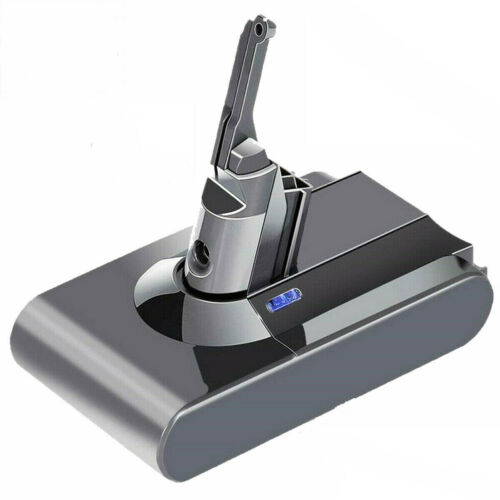
AU $70.99AU $52.79
In Stock (delivery 3–7 days)
Open the V8 pack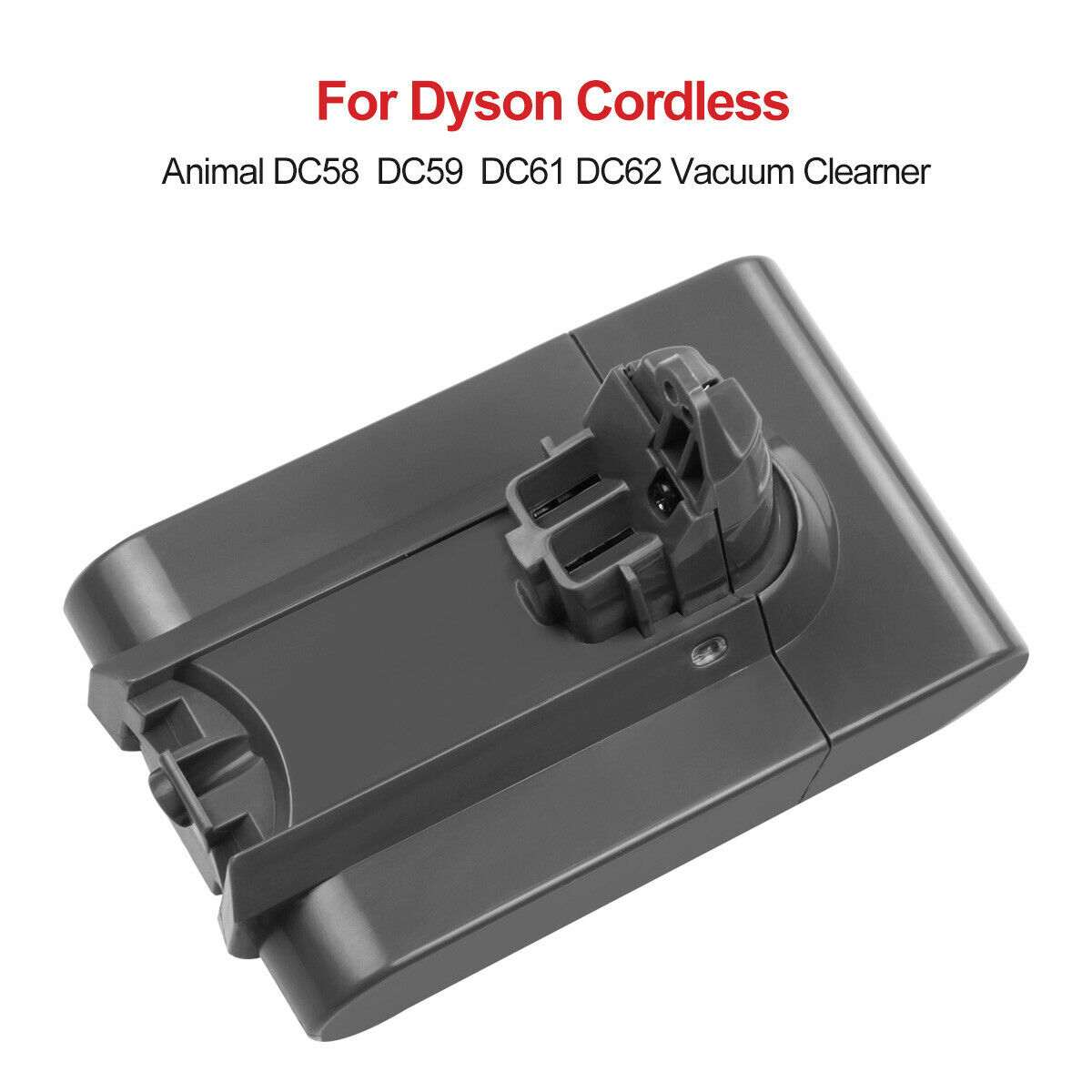
AU $67.99AU $45.79
In Stock (delivery 3–7 days)
Open the SV03 pack
For daily use, yes - a robot on a working dock does shallow top-ups, which is gentler on lithium than repeated deep discharges. For long storage the answer changes: park it at roughly 40 to 50 percent charge in a cool dry place and check it every two to three weeks, rather than leaving it full on a hot wall for months.
Not yet. Clean the metal pads on the underside of the robot and the spring plates on the dock, confirm the dock plates spring back, try a different wall socket without an extension lead, and check the dock indicator behaves normally. A charging path that is dirty or dead imitates a failed pack perfectly, and the fix costs nothing.
Two reasons that are not the battery: the drive and brush motors draw more current under load, so the same pack empties faster; and an obstruction such as hair wound round a brush or a wheel axle makes the robot work harder for less result. Free the obstructions and compare the run against the robot's own history before blaming capacity.
Match the specification on your label. The dock and the robot's electronics are matched to the pack's specified voltage, and a substituted chemistry or voltage is an operating condition the machine was not designed for - which also puts it outside our warranty terms on misuse or improper installation. A correctly matched pack of the same specification is the safe route back to normal run time.
Lithium packs are generally rated for a few hundred full cycles before capacity falls noticeably, and calendar ageing runs alongside that whether the robot works or not. A robot that docks daily uses many shallow cycles and ages more gently than one run to empty each week, but heat and a mechanical load that makes every run longer will still bring the date forward.
On the listing itself: aussiebatt.com/samsung-navibot-vcr8855-battery.html. This guide deliberately does not reproduce a price or chemistry figure, because those belong on the product page where they are maintained. If you want confirmation that it matches your pack, email the label details to info@aussiebatt.com.
Recycle it. Lithium and nickel packs never go in the household bin; most Australian councils and large retailers run battery drop-off points. Do not puncture or crush the pack, and if it is swollen or hot, do not charge it again on the way to the drop-off.
Yes - our iRobot range is on the main store, including the Roomba 500-series packs, and we have a reset and conditioning guide for those models. Send the label from any other robot pack you need to info@aussiebatt.com and we will check it against our catalogue and the supply side before you order.
Cycle life, calendar ageing and the heat-and-dust habits that shorten both — the same rules apply to a robot pack.
Read the lifespan guideThe symptom checklist, the free confirmations, and the safety signs that mean stop immediately.
Run the checklistWhere the cordless side of the house lives: range, finder, prices, fitting and every guide in one index.
Browse the guidesVoltage, capacity, chemistry, part number and a photo of the connector — email those to info@aussiebatt.com (Monday to Friday, 9am–4pm) and we will confirm the right Navibot pack, its current listing price and the delivery window before you order.