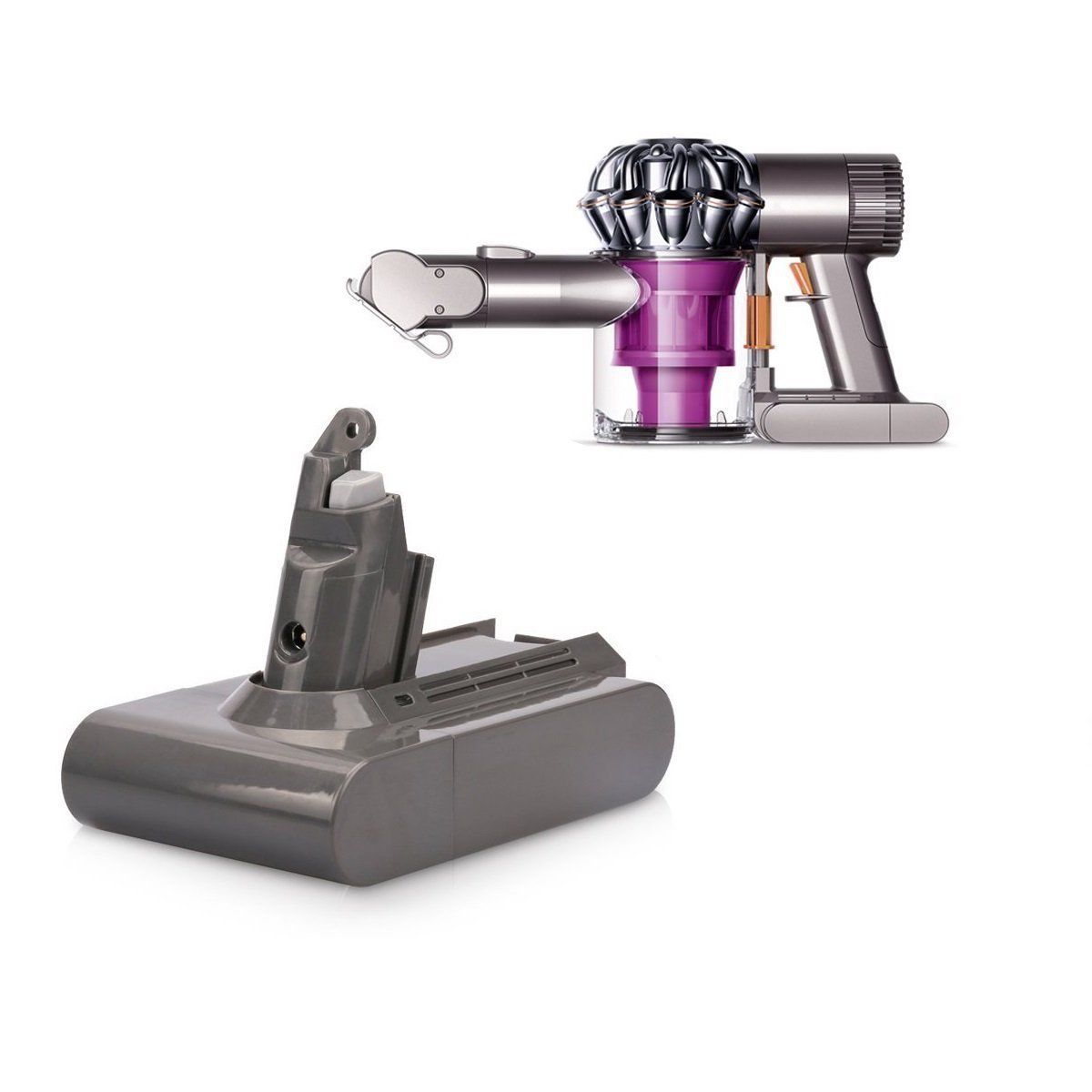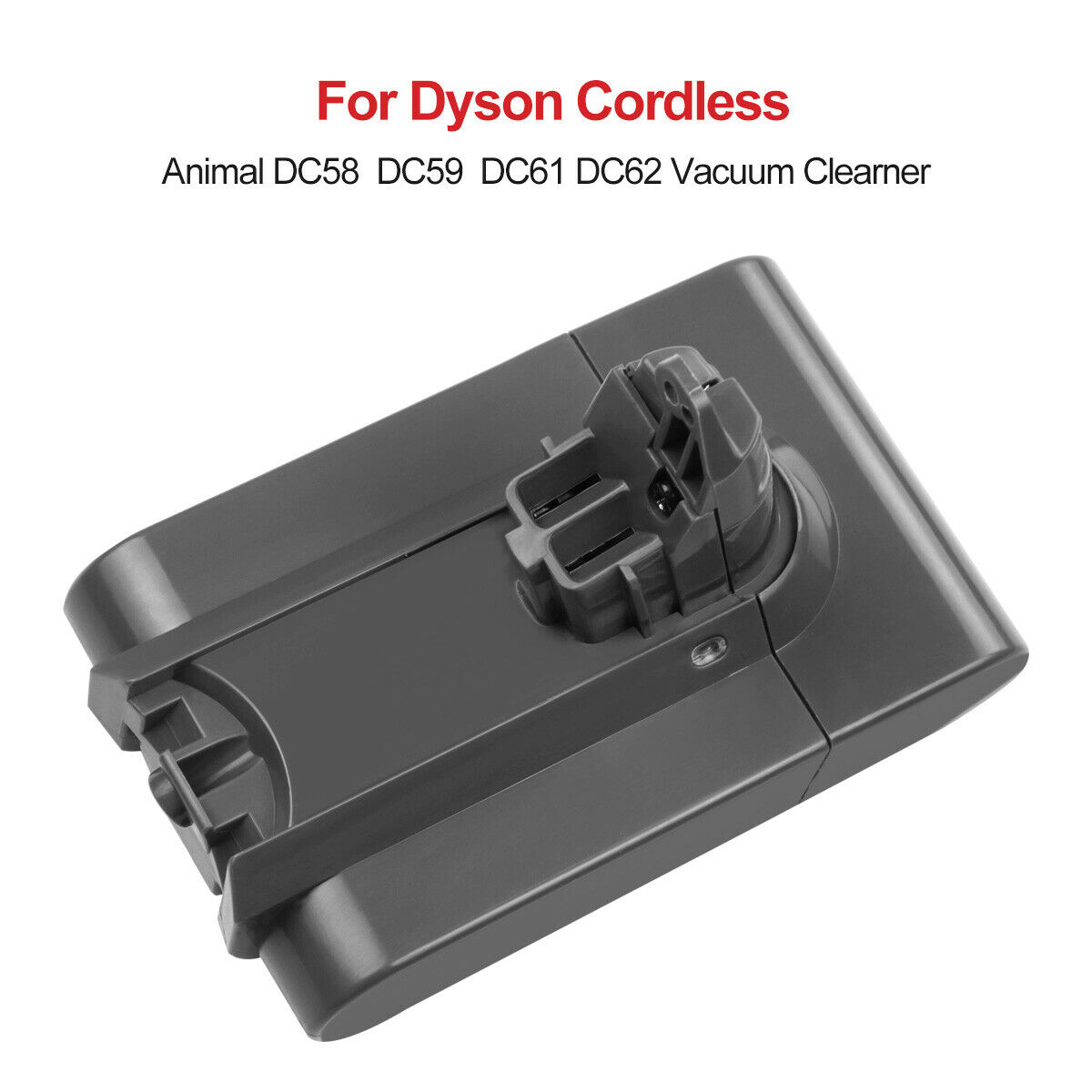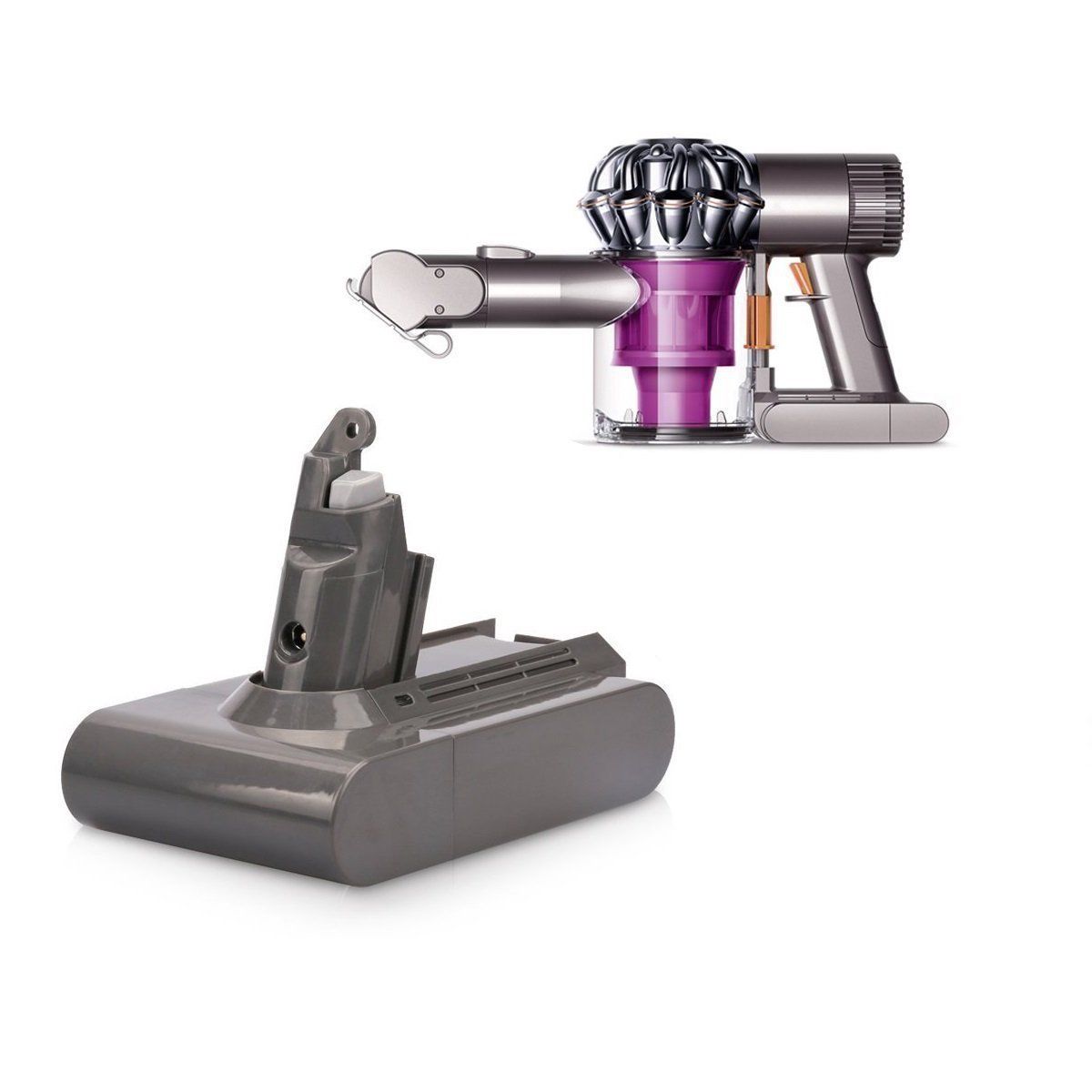

How to Replace Your Dyson V6 (SV03) Battery in 2 Minutes — No Special Tools Required
On this page
The SV03 / Dyson V6 battery cluster
What You Will Need
- Your new 21.6V SV03 replacement battery for Dyson V6 — 3000mAh at AU $45.79 or the 4000mAh extended‑life pack at AU $46.79.
- A Phillips #1 or #2 screwdriver — medium size, not the eyeglass‑screwdriver set.
- A flat, soft surface: a towel on a kitchen bench stops the handle and the cyclone from scratching.
Optional but sensible: a small magnetised tray for the two screws, and a torch to see the screw recess under the rubber grip. Old V6 screws are frequently slightly rounded from years of handle vibration, so replace them if yours look chewed rather than reusing them.
Safety Pre‑Flight Check
- Unplug the vacuum from the charger. Never work on it while connected to power.
- If the old pack is swollen or the handle plastic is separating, wear gloves, do not puncture or squeeze the pack, and get it to a lithium recycling point the same day. Skip everything else and go to disposal first.
- If you have been cleaning on MAX, wait 30 minutes so the pack and motor cool down.
- Work on a stable surface with the trigger facing away from your hand so nothing can catch it.
Step‑by‑Step: Removing the Old V6 Pack and Fitting the SV03
Remove all attachments
Pull the wand, cleaner head, crevice tool and any other accessories straight off. You only need the main handheld body for this job, and a bare machine is far easier to hold over a towel.
Take off the dust bin to expose the front screw the step V7 videos skip
- Find the red bin release button on top of the cyclone assembly, just behind the bin.
- Press it firmly — the dust bin releases and hinges open.
- Lift the bin straight off the main body; it slides off its rail. Set it aside.
- You should now see the front battery screw on the face of the pack, exactly where the bin was mounted.
If you cannot find the front screw, you have almost certainly skipped this step. On a V6 it is always hidden behind the bin.
Remove both mounting screws
There are exactly two screws holding a V6 pack in place — no hidden clips, no plastic latches to pry:
- Front screw: exposed after bin removal (above). Turn counter‑clockwise and set it aside.
- Handle‑base screw: turn the vacuum over and peel back the rubber grip pad at the very bottom of the handle. The screw sits directly underneath. You only need to lift enough rubber to reach the head; you do not have to remove the grip.
Slide the old battery straight down and out
Grip the pack with one hand and brace the body with the other. Pull the battery straight down along the handle rails — no twisting, no prying, no pulling away from the body at an angle. It rides on plastic rails and releases with smooth, even pressure.
If it sticks, wiggle very slightly side to side while continuing to pull straight down; years of dust can make the rails sticky. Never use a screwdriver as a lever between pack and body — that cracks the handle, and a cracked handle is the one failure a warranty will not cover.
Set the old pack aside for recycling (see disposal).
Slide the new SV03 pack in
Line the rail slots on the back of the new battery up with the rails on the handle and push straight up until it seats fully flush against the body. There is no click and no latch — it simply stops moving when it is home. Give it a firm downward tug to confirm the rails are engaged before you touch the screws.
Refit the two screws — and stop when it feels snug
Start both screws by hand to avoid cross‑threading, then tighten clockwise: the front screw behind where the bin mounts, then the handle‑base screw under the rubber grip. Fold the rubber pad back into place afterwards.
Reattach the dust bin and give it the first full charge
Line the bin up with its rail and slide it home until the red latch clicks shut. Then put the machine on the charger for 3.5 hours uninterrupted before the first clean. That first full charge lets the battery management system calibrate against the new cells, so you get the rated runtime from day one rather than after a week of guesswork.
That is the whole job. If you have not already checked fitment, the SV03 compatibility list confirms every model that takes this pack.
Post‑Installation Troubleshooting (Read This Before Requesting a Return)
This is the most important section on the page. If the vacuum does not behave perfectly the moment you fit a new pack, the new battery is usually not the problem.
Issue 1: the vacuum pulses on and off after fitting the new pack
Pulsing — one second on, cut out, repeat — is the V6’s airflow protection mode, and it is the single most common reason V6 batteries get returned in Australia. It triggers when:
- the pre‑filter is loaded with dust (by far the most common), or
- there is a blockage in the wand, cleaner head or bin inlet.
Fix in 60 seconds:
- Pull the pre‑filter straight out of the top of the cyclone assembly.
- Tap it over a bin to dislodge loose dust. If it is dirty, rinse under cold water with no soap and let it air dry for a full 24 hours.
- Check the post‑filter behind the bin as well — the V6 has two, and both need monthly cleaning.
- Inspect the wand, cleaner head and bin inlet for hair, pet fur and paper.
- Reassemble and test. The overwhelming majority of post‑install pulsing stops right here.
Why does it appear only after the swap? Because handling the machine during the job shakes dust loose into the filter and can shift a partial blockage into a full one. The battery change is coincidence, not cause.
Issue 2: blue light flashes but the vacuum will not run
Confirm the pack really is full — 3.5 hours on the charger, not a few minutes on an indicator light. If it is fully charged and still flashes fast blue, take the pack off and re‑seat it firmly on the rails, then re‑tighten the screws. A pack that has not been pushed fully home is the only common installation error on a V6. Still nothing after two attempts? Email us before you start a return: info@aussiebatt.com.
Issue 3: runtime looks short on the first few charges
Lithium‑ion packs reach their rated capacity after two or three full charge/discharge cycles. Use the vacuum normally on the first charge until it is fully flat, then recharge fully again. Runtime settles by the third cycle. That is chemistry, not a defect — and it applies to the OEM pack you took off as well.
Making the New SV03 Pack Last 3–5 Years
- Clean both filters monthly. A blocked filter makes the motor draw more current for the same suction, which is the fastest way to cook a healthy pack.
- Do not leave it on the charger for weeks. A top‑up before each clean is ideal; permanent trickle charging accelerates calendar ageing. If you are going away, store it around 50% charged.
- Keep it out of the heat. An Australian summer in a lockup garage or a car easily passes 40°C, and lithium‑ion capacity loss is driven by temperature more than by cycles. Store the machine indoors during heatwaves.
- Use MAX only when you need it. MAX gives about 6 minutes on a healthy pack and generates the most heat per second of cleaning.
- Let it cool before charging after a long MAX session — a solid amber light means the pack is protecting itself from being charged too hot or too cold.
More on longevity in the Dyson vacuum battery care guide.
Disposing of the Old V6 Battery in Australia
Never put a lithium‑ion pack in the general waste or kerbside recycling bin — crushed cells start fires in collection trucks and at transfer stations. Free drop‑off points for small vacuum and power‑tool batteries:
- Any Bunnings Warehouse store — recycling bins near the entrance.
- Most council waste transfer stations and community recycling centres.
- Aldi in‑store battery recycling points.
Do not transport a swollen pack loose in a bag or pocket. Put it in a metal bucket or a non‑flammable container, keep it out of the sun on the way there, and hand it to the operator rather than dropping it in a shared bin.
Old pack out, new pack in — 2 minutes, one screwdriver.
Every SV03 and V6 listing is stocked in Granville, Sydney, with free Australia Post shipping, a 1‑year warranty and 30‑day money back.
Buy the SV03 V6 Battery - AU $45.79
V6 installation questions
Sources and related guides
- Dyson Australia product support — V6 battery removal, replacement and charging guidance (dyson.com.au)
- Council and Bunnings household lithium battery recycling locations
- On this site: SV03 compatibility hub · SV03 battery specs & price · General Dyson battery replacement steps · Dyson vacuum battery maintain guide · Battery Wiki