

- Dyson V7 Vacuum Cleaner Battery
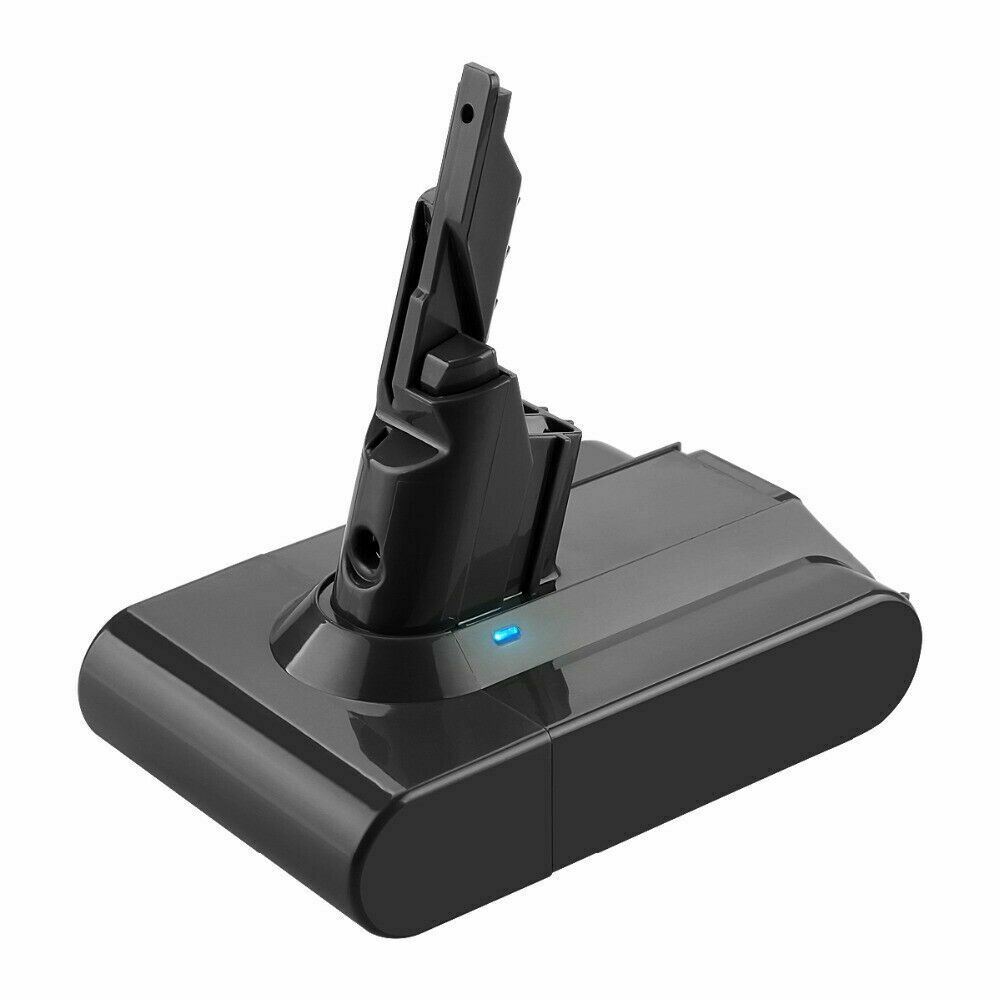
- Li-ion, 21.6V, 4000mAh
Only AU $50.79 - Dyson V10 Battery
- Dyson V11 Vacuum Battery
- Dyson DC59 Battery
- Dyson 967810-21 Battery
- Dyon SV03 Battery
- Dyson 61034-01 Battery
- Dyson V8 Vacuum Battery
Breathe New Life into Your Dyson: Complete Guide to Replacing Your Cordless Vacuum Battery
Is your once-powerful Dyson cordless vacuum starting to feel a little… weak? Does it run out of charge after just a few minutes, leaving you with half-cleaned floors? You're not alone. Over time, the lithium-ion battery in your Dyson will naturally degrade, reducing its runtime and power.
But before you consider buying a whole new vacuum, here's some good news: replacing the battery is one of the simplest and most cost-effective ways to restore your Dyson to its former glory. In this friendly, professional guide, we'll walk you through the entire process, from identifying the correct battery for your model to the final click-in.
Why Your Dyson Battery Needs Replacing
Like all rechargeable batteries, Dyson batteries have a finite lifespan. After hundreds of charge cycles, their ability to hold a charge diminishes. This is a normal part of the product's lifecycle. Signs you need a replacement include:
- Significantly Reduced Run Time: The vacuum dies much faster than it used to.
- Slower Charging: The battery takes longer to reach a full charge.
- Inconsistent Power: Suction power drops noticeably as the battery level decreases.
Replacing the battery not only solves these issues but is also a more sustainable choice, reducing electronic waste.
Step 1: Identify Your Dyson Model and Get the Right Battery
This is the most crucial step! Dyson uses different batteries for different model lines (e.g., V7, V8, V10, V11, V15). Purchasing the correct one is essential for a perfect fit and optimal performance.
How to find your model number:
Look for a sticker or label on the back of your vacuum's main body or inside the dirt bin compartment. The model number will be clearly printed (e.g., "SV12", "V8 Animal", "V15 Detect").
Once you have your model number, you can confidently find the exact replacement battery you need. At aussiebatt.com, we have a comprehensive catalog of genuine and high-quality compatible batteries for a wide range of Dyson models used in Australia and the USA.
Step 2: How to Replace Your Dyson Battery - The Simple Guide
Ready to get your hands dirty (just a little)? You won't need any special tools.
- Ensure the Vacuum is Off: For safety, make sure your Dyson is switched to the 'OFF' position before you begin.
- Remove the Old Battery: Locate the battery release catch, which is usually a red button or lever on the back of the battery pack. Press or slide this catch and gently pull the battery downwards and out of the vacuum's main body.
- Prepare the New Battery: Take your new battery from aussiebatt.com. For best results, give it a full charge before its first use. This helps calibrate the battery management system.
- Insert the New Battery: Align the new battery with the slots on the vacuum's body. You'll see a series of contacts and a locking mechanism. Simply push it firmly upwards until you hear a satisfying "click," indicating it's securely in place.
- Charge and Go: Place the newly installed battery onto the Dyson charger. The light indicator will show that it's charging. Once full, your vacuum will be ready to deliver the powerful, consistent performance you first fell in love with.
Maximizing Your New Battery's Lifespan
Now that you've replaced the battery, follow these tips (recommended by Dyson's own support guidelines) to ensure it lasts as long as possible:
- Charge Regularly: Don't let the battery fully drain before recharging. Top it up frequently.
- Avoid Extreme Heat: Never leave your vacuum charging in direct sunlight or a hot car. High temperatures can permanently damage the battery.
- Store Smart: If you won't be using your Dyson for a month or more, store the battery with about a 50% charge in a cool, dry place.
Your Trusted Source for Dyson Batteries in AU & USA
A new battery is an investment in the cleanliness of your home. When you choose aussiebatt.com, you're choosing quality, reliability, and peace of mind. We offer a curated selection of batteries specifically designed to fit and perform flawlessly in your Dyson cordless vacuum.
Why shop with us?
- Correct Fitment Guaranteed: Get the right battery for your V7, V8, V10, V11, and more.
- Quality You Can Trust: Our products are tested to meet high standards of performance and safety.
- Fast Shipping: Get your vacuum back to full power quickly, with reliable shipping across Australia and the USA.
Don't let a dying battery slow you down. Restore your Dyson's suction power and make cleaning a breeze again.
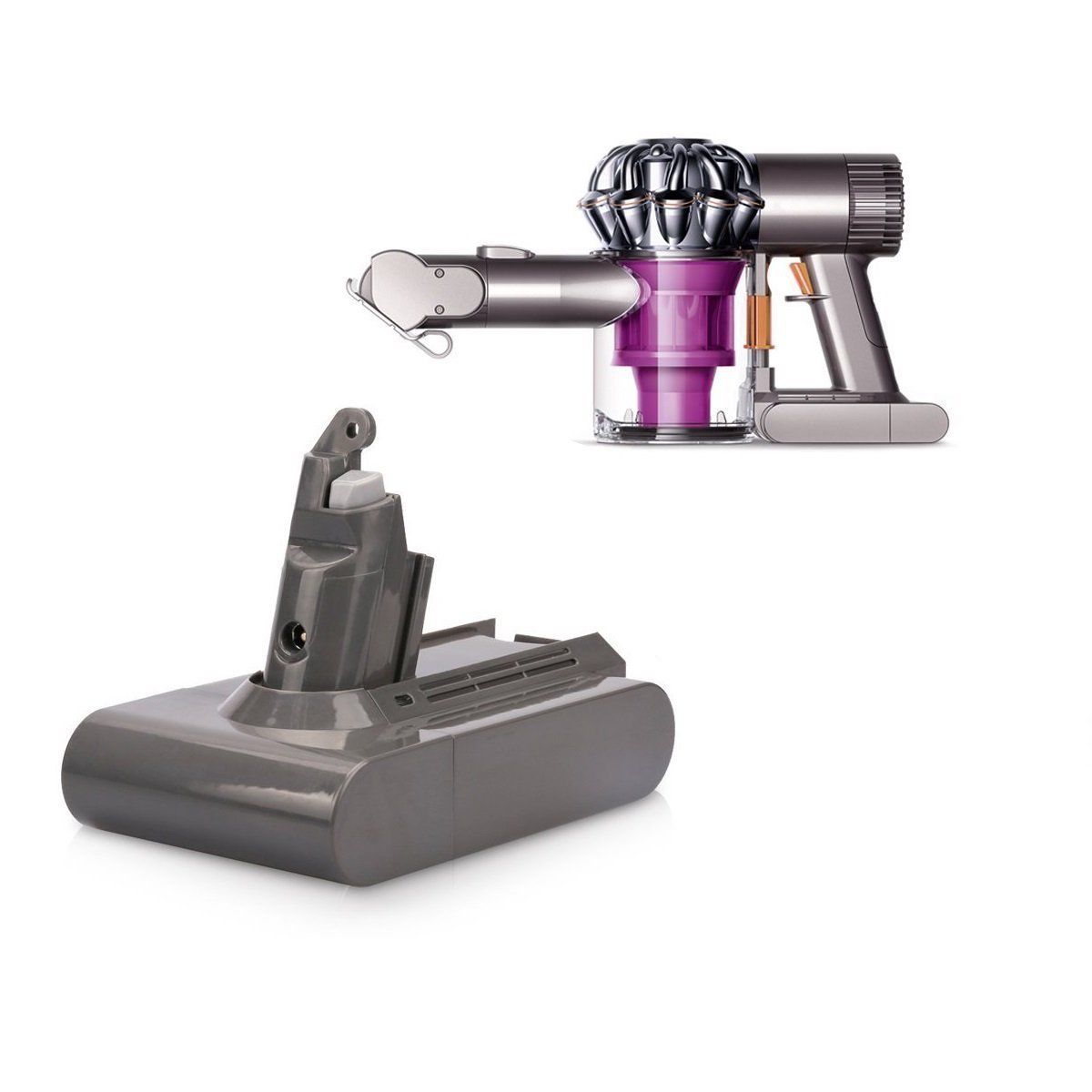
Ready to restore your handheld Dyson vacuum cleaner to its former glory?
Explore our carefully curated Dyson vacuum battery collection for premium replacements that match or exceed your original battery's performance.
Shop AussieBatt's Dyson Batteries Collection




Wholesaler and distributor welcome - If you want to wholesale Dyson vacuum batteries please email us