
5 Definitive Signs Your Dyson V6 Battery Needs Replacing (And 2 Problems That Are Not the Battery)
Your Dyson V6 has started cutting out after a few seconds of suction, flashing lights you cannot decode, or dying before you finish one room. You are not alone: the V6 remains one of the most common cordless vacuums in Australian homes, and its original 21.6V lithium‑ion pack is rated for roughly 500 full charge cycles before capacity starts falling off a cliff.
The problem is misdiagnosis. Owners blame the battery for airflow faults, and then blame the next owner who sells them the wrong part — because V7 batteries look almost identical and do not fit a V6. We cover that trap on the V6 vs V7 compatibility page; here we cover the symptoms.
On this page
- Sign 1: solid blue light, then dead after 10 seconds
- Sign 2: more than 12 red flashing lights
- Sign 3: runtime well under 18 minutes
- Sign 4: the pack will not accept a charge at all
- Sign 5: a swollen battery case (safety stop)
- The two faults that are not the battery
- Quick diagnostic checklist
- Which replacement to order
The SV03 / Dyson V6 battery cluster
- Compatibility hub — which models share the SV03 battery
- This page — 5 signs your V6 battery needs replacing
- SV03 replacement battery — specs, price, warranty
- Why an SV03 will never fit a V7
- 2‑minute installation guide
Sign 1 (the #1 failure pattern): Runs 10 Seconds on Solid Blue, Then Dies Completely
This is the most frequently reported V6 failure pattern among Australian owners and repair technicians, and it almost always means the cells have degraded past usable life:
- You pull the trigger — a solid blue light appears and the motor starts at full power, exactly as it should.
- After 8–12 seconds, the motor cuts out completely. No pulsing, no gradual fade, no warning.
- You put the vacuum on the charger — the blue light flashes for hours, looking like a normal charge.
- You take it off, pull the trigger — same 10 seconds, same instant cutout.
Why this happens. Inside the pack, individual lithium‑ion cells lose capacity with every cycle. When the battery can no longer sustain the current the motor demands, the battery management system cuts output immediately as a safety response. Charging cannot fix it, because the cells can no longer hold a meaningful charge — the charger happily tops up a pack that collapses the moment a load is applied.
If this repeatable pattern happens three times in a row after you have confirmed the filters are clean and the airflow path is clear, the pack needs replacing. This signature belongs to V6 cell degradation; V7 and V8 machines fail differently, which is one reason generic “Dyson battery” advice online so often misleads people.
Sign 2: More Than 12 Red Flashing Lights (Dyson’s Official End‑of‑Life Code)
Dyson built an unambiguous diagnostic straight into the V6 status light, and it is the cleanest signal you will get:
Hold the trigger down and count the red flashes at the base of the handle. If you see more than 12 red flashes, Dyson officially classifies the battery as requiring replacement.
This is not opinion or forum folklore — it is published in Dyson’s own V6 troubleshooting material for the Australian market. There is no reset procedure, no filter clean, no tapping trick that clears this code. The pack has reached factory‑defined end of life.
Fewer than 12 red flashes is a different fault entirely, usually a charger connection or temperature issue. Count them before you buy anything, and troubleshoot further if the count is low.
Sign 3: Dramatically Reduced Runtime (Well Under 18 Minutes)
A healthy OEM V6 pack delivers 18–20 minutes on normal suction mode, and roughly 6 minutes on MAX. That is your baseline — not the marketing number on the box, and not what a fully charged new pack in a shop demo feels like.
If your vacuum dies after:
- less than 10 minutes on normal mode with no attachment fitted, or
- less than 2 minutes on MAX mode,
…and you have already washed both filters and cleared the wand, bin inlet and cleaner head, that is confirmed capacity fade. An extended‑life 4000mAh V6 pack restores the normal‑mode runtime you remember from new, and often a little more, on every model in the SV03 family.
Sign 4: The Battery Will Not Accept a Charge At All
Treat the pack as failed when all three of these are true:
- The charger shows no light at all when connected to the vacuum — after testing more than one wall socket.
- No solid blue charging light appears even after 30 minutes plugged in.
- You have confirmed the charger itself works (on a neighbour’s V6, or with a known‑good 21.6V Dyson charger).
At that point the internal protection circuit has opened and the pack will no longer take current. A new battery solves it; a new charger will not.
Sign 5: Visible Swelling or Deformation of the Pack
The Two Problems That Are NOT the Battery (30‑Second Check First)
Before ordering anything, rule out these two faults. They produce almost identical symptoms and they cost nothing to fix — which is why they are the two most common reasons for an unnecessary battery return.
1. Pulsing on/off = clogged filter, not a bad battery
If your V6 turns on for a second, cuts out, restarts, and repeats that cycle while you hold the trigger, that is not a battery symptom. It is the V6’s airflow protection mode doing its job.
Fix it in 30 seconds:
- Remove the pre‑filter (the round filter on top of the cyclone assembly).
- Tap it firmly over a bin to dislodge loose dust. If it is dirty, rinse under cold running water with no soap and let it air dry for a full 24 hours — never a microwave, oven or clothes dryer.
- Check the post‑filter behind the bin as well. The V6 has two filters and both need monthly cleaning.
- Pull the wand and cleaner head and look into the bin inlet for hair, wrappers and pet‑toy fragments.
Around 80% of V6 pulsing complaints resolve right here. Do not replace a battery because of pulsing alone — and read the post‑installation note in our installation guide, because this same trap causes returns after a new pack is fitted.
2. Fast flashing blue light = charger connection or temperature
A rapidly blinking blue light while charging does not mean the battery is dead. Work through this:
- Unplug and firmly re‑seat the charger at both the wall socket and the vacuum inlet.
- Try a different power outlet to rule out a dead socket or a switched strip.
- If you have just been cleaning on MAX, let the machine sit for 30 minutes. A solid amber light means the pack is too hot or too cold to charge — a normal safety feature on V6, not a fault.
Only if flashing blue persists after all of that, and it is combined with the 10‑second cutout from Sign 1, should you treat the battery as the problem.
Quick Diagnostic Checklist: Do You Actually Need a New Battery?
| Symptom you are seeing | Clean the filters first? | Replace the battery? |
|---|---|---|
| Runs 10 seconds on solid blue, instant cutout, repeats after a full charge | No — if the pattern is consistent | Yes |
| More than 12 red flashing lights with the trigger held | No | Yes |
| Under 10 minutes normal‑mode runtime after a filter clean | Already done | Yes |
| Pulsing on/off in 1‑second cycles | Yes — filters and blockages | Almost never |
| Fast flashing blue while charging | Check charger and temperature | Rarely |
| Fewer than 12 red flashes | Troubleshoot charger/temperature | Unlikely |
| Bulging case or separating handle plastic | No | Yes — and stop using it now |
Next Step: Order the Correct SV03 Battery, Not a V7 by Mistake
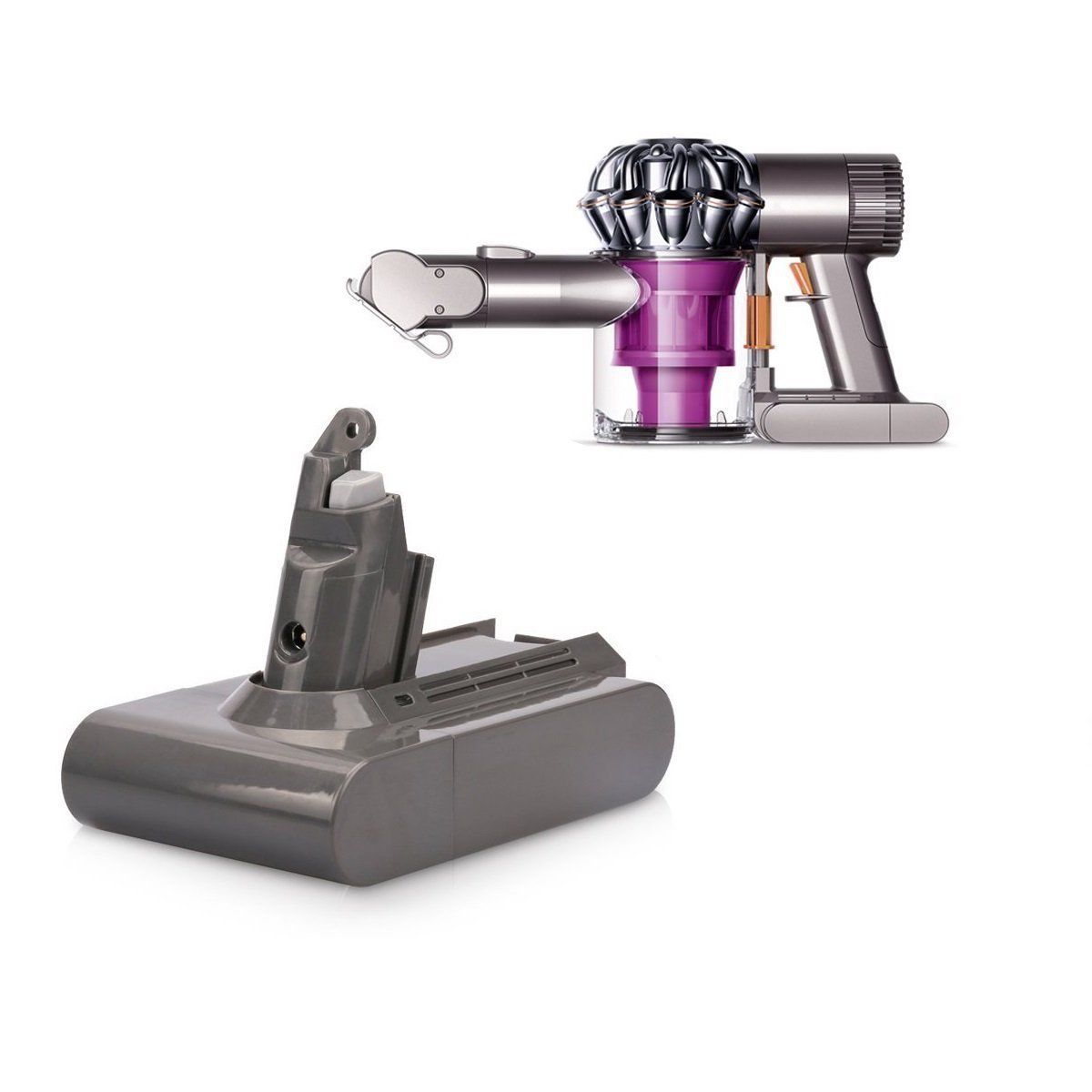
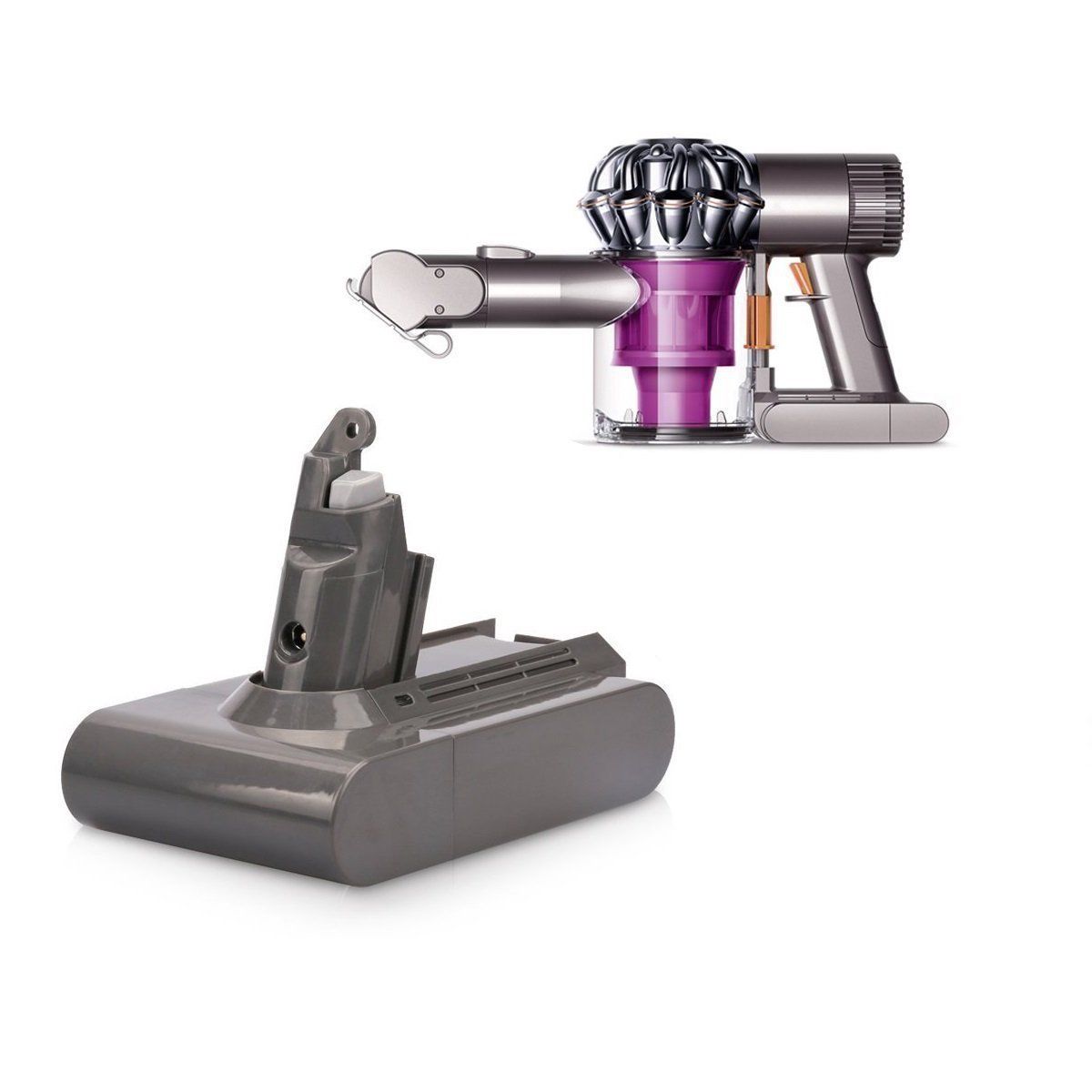
If you have confirmed a failed pack, one rule matters more than price: do not buy a V7 or V8 battery. The V6 uses a unique 21.6V slide‑in pack held by two screws, and it is physically and electronically incompatible with every later generation even though the external shape looks the same in a marketplace photo.
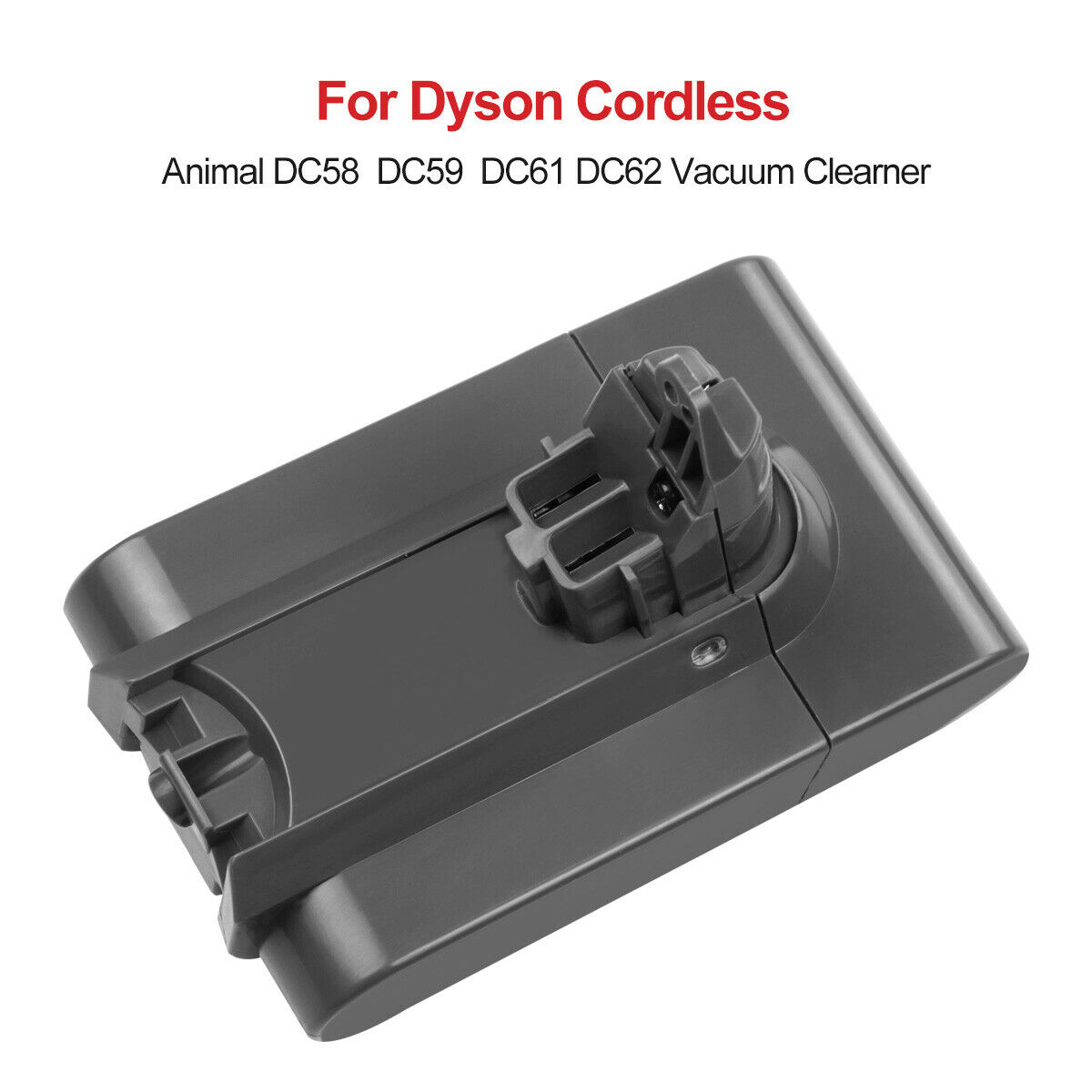
The correct V6 replacement — platform‑designated SV03 — fits all V6 models: SV03, SV04, SV05, SV06, SV07, SV09 and HH08, plus the DC58, DC59, DC61, DC62, DC72 and DC74 handhelds. Choose your capacity here: SV03 21.6V 3000mAh, V6 extended‑life 4000mAh, or the listings matching your old part number, 965874‑02 and 61034‑01. For Australian buyers, confirm the pack carries the RCM mark and that the seller can quote an EESS Responsible Supplier number before you pay.
Read next: SV03 battery for Dyson V6 Australia — full specifications, pricing and warranty →
Dyson V6 battery questions
Sources and related guides
- Dyson Australia product support — V6 cordless vacuum troubleshooting (dyson.com.au)
- Electrical Equipment Safety System — supplier registration lookup (eess.gov.au)
- Recycling: any Bunnings Warehouse store or council waste transfer station accepts small lithium‑ion batteries free of charge
- On this site: SV03 compatibility hub · Dyson V6 battery installation in 2 minutes · Dyson battery maintanence · Battery FAQs