

Hot Dyson Batteries
- Dyson V7 Vacuum Cleaner Battery
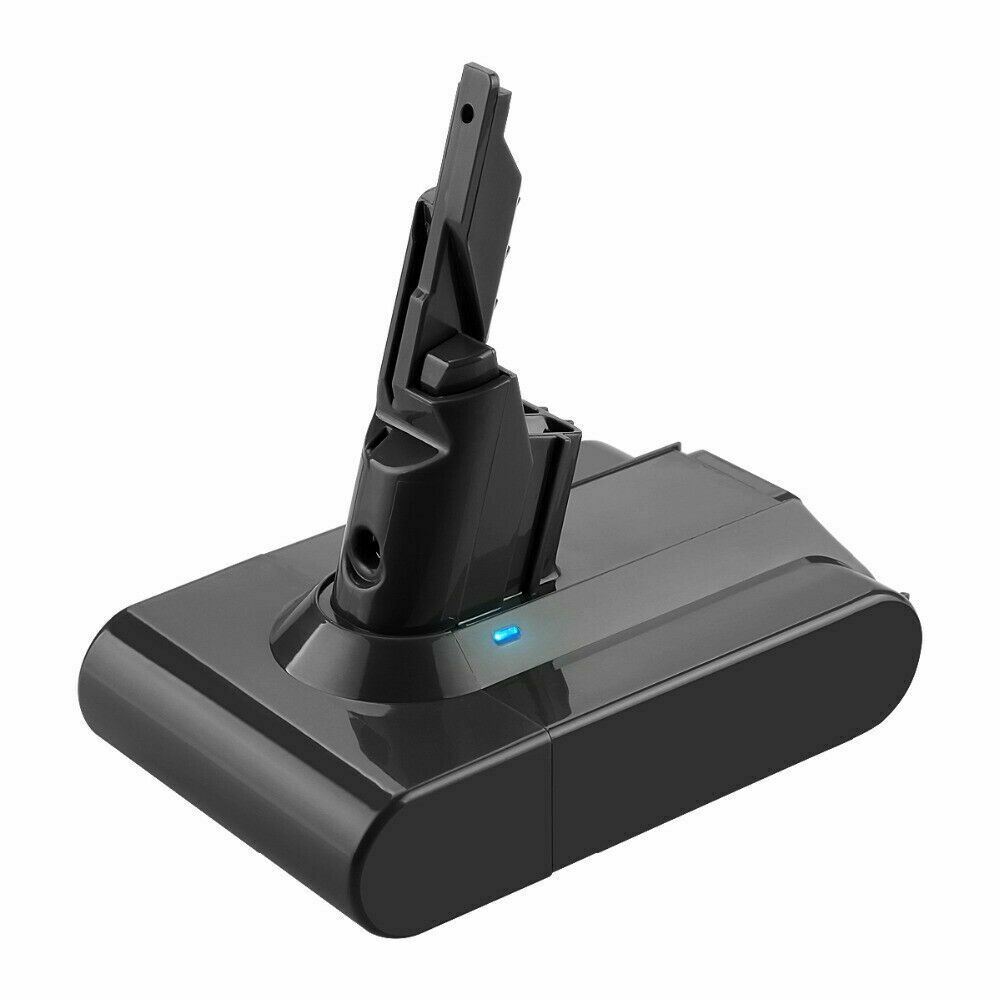
- Li-ion, 21.6V, 4000mAh
Only AU $50.79 - Dyson V10 Battery
- Dyson V11 Vacuum Battery
- Dyson DC59 Battery
- Dyson 967810-21 Battery
- Dyon SV03 Battery
- Dyson 61034-01 Battery
- Dyson V8 Vacuum Battery
Instructions for fix Dyson V7 battery cannot hold charge issue
Is your Dyson V7 vacuum battery dying too quickly or not holding a charge at all? You're not alone—this is one of the most common issues faced by Dyson V7 users, especially as the battery ages. Whether you're in Australia (AU) or the USA, this guide will help you diagnose and fix the problem, along with tips to extend battery life and find a reliable replacement if needed.
🔋 Why Your Dyson V7 Battery Isn’t Holding a Charge
The Dyson V7 uses a Li-ion (Lithium-ion) battery that can lose its ability to hold a charge due to several factors:- 1.Aging Battery – Over time (typically 12–18 months with heavy use), Li-ion batteries naturally degrade and lose capacity.
- 2.Improper Charging – Leaving the battery plugged in for too long or charging it incorrectly can reduce its lifespan.
- 3.Dirty or Damaged Contacts – Dust, debris, or corrosion on the battery terminals can prevent proper charging.
- 4.Overheating or Software Issues – Excessive heat or minor glitches can affect battery performance.
- 5.Complete Battery Wear-Out – If the battery was heavily used or stored improperly, it may no longer hold a charge.
✅ How to Fix Dyson V7 Battery Not Holding Charge
1. Basic Troubleshooting Steps
- •Clean the Charging Contacts Use a dry cloth or cotton swab to gently clean the metal contacts on both the battery and the vacuum. Dirt or corrosion can block proper charging.
- •Reset the Battery
- 1.Turn off the vacuum and remove the battery.
- 2.Wait 1–2 minutes (this helps reset the battery).
- 3.Reinsert the battery and charge it fully before use.
- •Check the Charging Dock Ensure the charging dock is working properly and the power adapter is securely plugged in. Try a different outlet if needed.
2. Optimize Charging Habits
- •Avoid Overcharging – Unplug the vacuum once it’s fully charged (usually 3.5–4 hours). Overcharging can degrade the battery.
- •Don’t Drain Completely – Try not to let the battery run down to 0% frequently. Partial discharges are better for Li-ion batteries.
- •Store Properly – If not using the vacuum for weeks, charge the battery to ~50% and store it in a cool, dry place.
3. Test with a Different Charger (If Possible)
- •If you have access to another Dyson V6/V7/V8 compatible charger, test it to see if the original charger is faulty.
⚠️ When to Replace Your Dyson V7 Battery
If your battery still won’t hold a charge after troubleshooting, it’s likely time for a replacement. Signs you need a new sv11 battery:- •Runtime drops below 5–10 minutes (vs. the original 30 minutes).
- •Battery is swollen, leaking, or damaged (replace immediately for safety).
- •Charging light doesn’t turn on or behaves erratically.
Ready to restore your handheld Dyson vacuum cleaner to its former glory?
Explore our carefully curated Dyson vacuum battery collection for premium replacements that match or exceed your original battery's performance.
Shop AussieBatt's Dyson Batteries Collection
✅ 12-Month Warranty ✅ Australian Local Shipping ✅ Compatibility Guaranteed
Hot Sale Vacuum Batteries
AussieBatt.com is an Australia huge and reliable online shopping store for Laptop Batteries, Power Adapters, Camera Batteries, Cordless Tool Batteries. Shop now to take advantage of the lowest price and Australia Post Fast & Free Shipping on all batteries and chargers.
Online Shopping With Australia Post Free Shipping - AussieBatt.com: Australia Professional Battery Shop




Wholesaler and distributor welcome - If you want to wholesale Dyson vacuum batteries please email us