

Hot Dyson Batteries
- Dyson V7 Vacuum Cleaner Battery
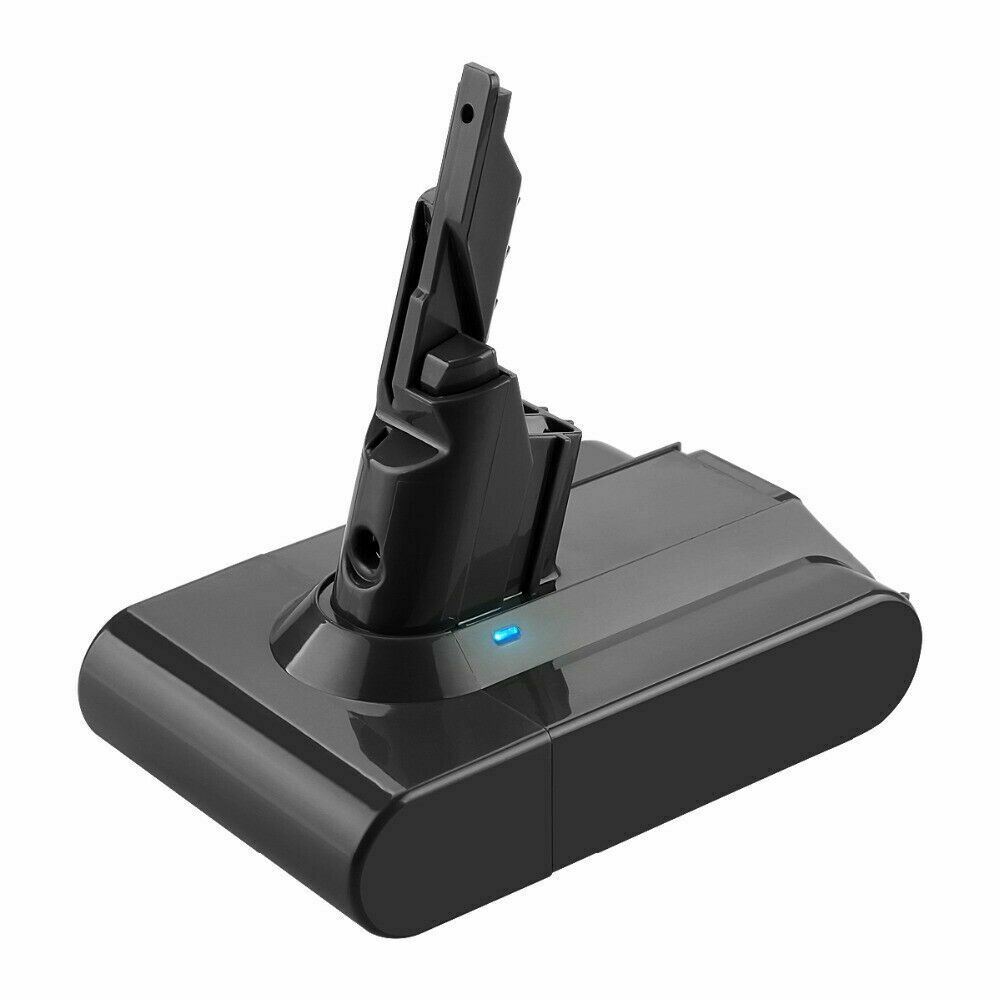
- Li-ion, 21.6V, 4000mAh
Only AU $50.79 - Dyson V10 Battery
- Dyson V11 Vacuum Battery
- Dyson DC59 Battery
- Dyson 967810-21 Battery
- Dyon SV03 Battery
- Dyson 61034-01 Battery
- Dyson V8 Vacuum Battery
Best Practices for Extending Samsung VCR8855 Battery Runtime
Is your Samsung Navibot VCR8855 robot vacuum losing suction or running out of juice too quickly? You're not alone—many users face battery performance issues over time. But with the right care, you can extend its runtime, improve efficiency, and delay costly replacements. This guide is tailored for Australian and American users, offering practical, expert-approved tips to maximize your vacuum’s battery life.
🔋 Why Samsung Navibot VCR8855 Battery Life Declines
Before diving into solutions, let’s understand why battery performance fades:- 1.Aging Li-ion Cells: Like most robot vacuums, the Navibot VCR8855 uses a lithium-ion battery that naturally loses capacity after 12–18 months of regular use.
- 2.Poor Charging Habits: Overcharging, frequent full discharges, or using non-compatible chargers can degrade the battery.
- 3.Dust & Debris Buildup: Clogged filters, brushes, or sensors force the motor to work harder, draining the battery faster.
- 4.High-Traffic Cleaning Modes: Turbo or spot-cleaning modes consume more power than standard sweeps.
✅ Proven Tips to Increase Samsung Navibot SR8845 Vacuum Battery Life
1. Optimize Charging Practices
- •Avoid Overcharging: Unplug the charger once the battery is fully charged (usually 2–3 hours). Prolonged charging generates heat, which shortens battery life.
- •Partial Charges Are Better: Frequent top-ups (20–80%) are less stressful on Li-ion batteries than draining to 0% and charging to 100%.
- •Store Smartly: If unused for weeks, charge the battery to ~50% and store it in a cool, dry place (avoid extreme temperatures).
2. Keep Your Vacuum Clean & Well-Maintained
- •Empty the Dustbin After Each Use: A full bin forces the motor to work harder, draining the battery faster.
- •Clean Filters & Brushes Weekly: Blocked filters reduce airflow, making the vacuum less efficient.
- •Check Sensors & Wheels: Dirty sensors or tangled brushes can cause the Navibot to get stuck, wasting battery power.
3. Use Eco Mode for Daily Cleaning
- •Switch to Standard/Eco Mode for routine cleaning—it uses less power than Turbo or Max settings. Reserve high-power modes for deep-cleaning sessions.
- •Schedule Cleaning During Cooler Times: Heat (from the motor or environment) reduces battery efficiency.
4. Avoid Extreme Temperatures
- •Heat is the #1 Enemy: Leaving your Navibot near a heater, in direct sunlight, or in a hot car accelerates battery degradation.
- •Cold Weather Tip: If stored in a cold garage, let the vacuum warm up to room temperature before use.
⚠️ When to Replace Your Samsung Navibot VCR8855 Cleaner Battery
Most Li-ion batteries last 18–24 months with moderate use. Replace it if you notice:- •Runtime drops below 30–45 minutes (vs. the original 60–90 minutes).
- •The battery swells or leaks (a safety hazard—replace immediately).
- •Charging issues (e.g., rapid flashing lights, failure to hold a charge).
🛒 Where to Buy a Reliable Replacement Battery?
Looking for a high-quality, affordable Samsung Navibot VCR8855 battery in Australia or the USA?✅ AussieBatt.com offers:✔ Original-compatible Navibot VCR8855 batteries (Li-ion, 14.4V, 2600mAh)✔ FAST & FREE shipping across Australia (via Australia Post) and to the USA✔ 30-Day Warranty + expert troubleshooting support✔ Bulk discounts for businesses and multi-battery ordersHot Sale Vacuum Batteries
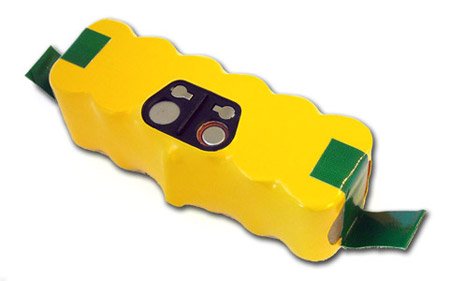
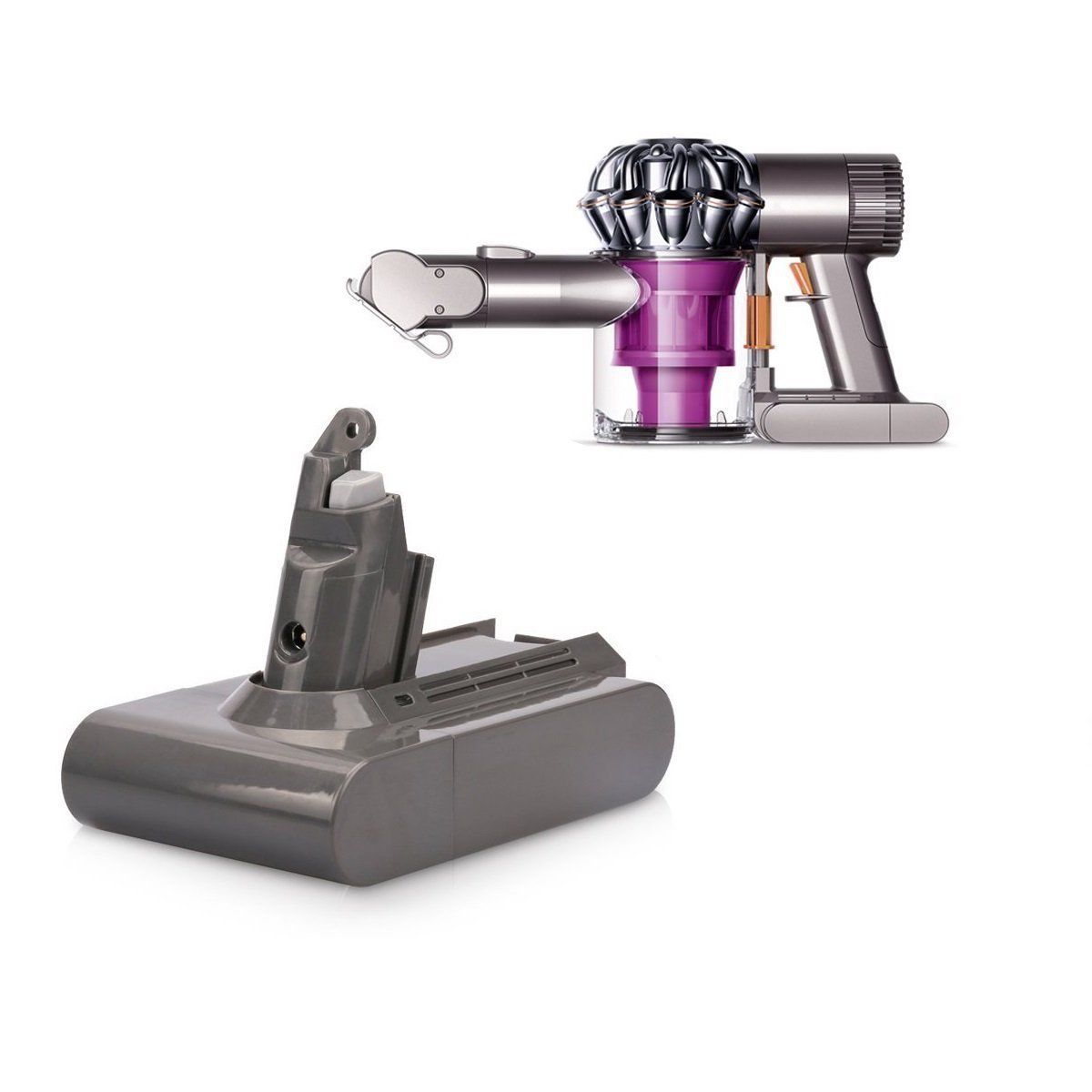
AussieBatt.com is an Australia huge and reliable online shopping store for Laptop Batteries, Power Adapters, Camera Batteries, Cordless Tool Batteries. Shop now to take advantage of the lowest price and Australia Post Fast & Free Shipping on all batteries and chargers.
Online Shopping With Australia Post Free Shipping - AussieBatt.com: Australia Professional Battery Shop




Wholesaler and distributor welcome - If you want to wholesale Dyson vacuum batteries please email us