
With the Smart Laptop Battery Technology available in the latest HP laptop computers, you can automatically test the status of your battery using HP Battery Check. Equipped with a microchip, Smart Batteries maintain and report their own status, thus providing users with accurate information, whether they use different batteries in the same notebook or the same battery in different notebooks.
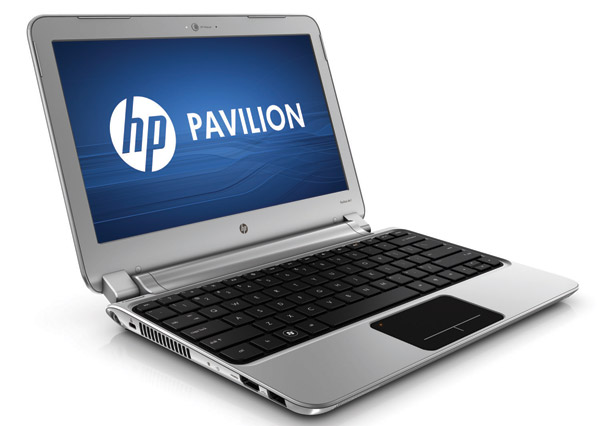 HP pavilion DV6 notebook is an entertainment laptop released in 2008. Like all modern HP laptops, it has various features installed specifically for home troubleshooting and repair. One of these features is called the HP Battery Check and it can be accessed through the main menu.
Steps:
1. Ensure the HP Pavilion dv5 AC Adapter is connected to your laptop and plugged into a power socket, power on your laptop and wait for the system to fully load.
2. Click the “Start” button and access “All Programs”
3. Navigate to the “HP” folder, open it and click “HP Battery Check.” The HP Battery Check window displays the status of your HP Pavilion DV5 Laptop Battery.
The results of the Battery test will be presented immediately. Detailed instructions are provided with the results.
